

We issue certificate on:
- CryptoAML
- Seed backup
- Bitcoin fundamentals
- Bitcoin multisig
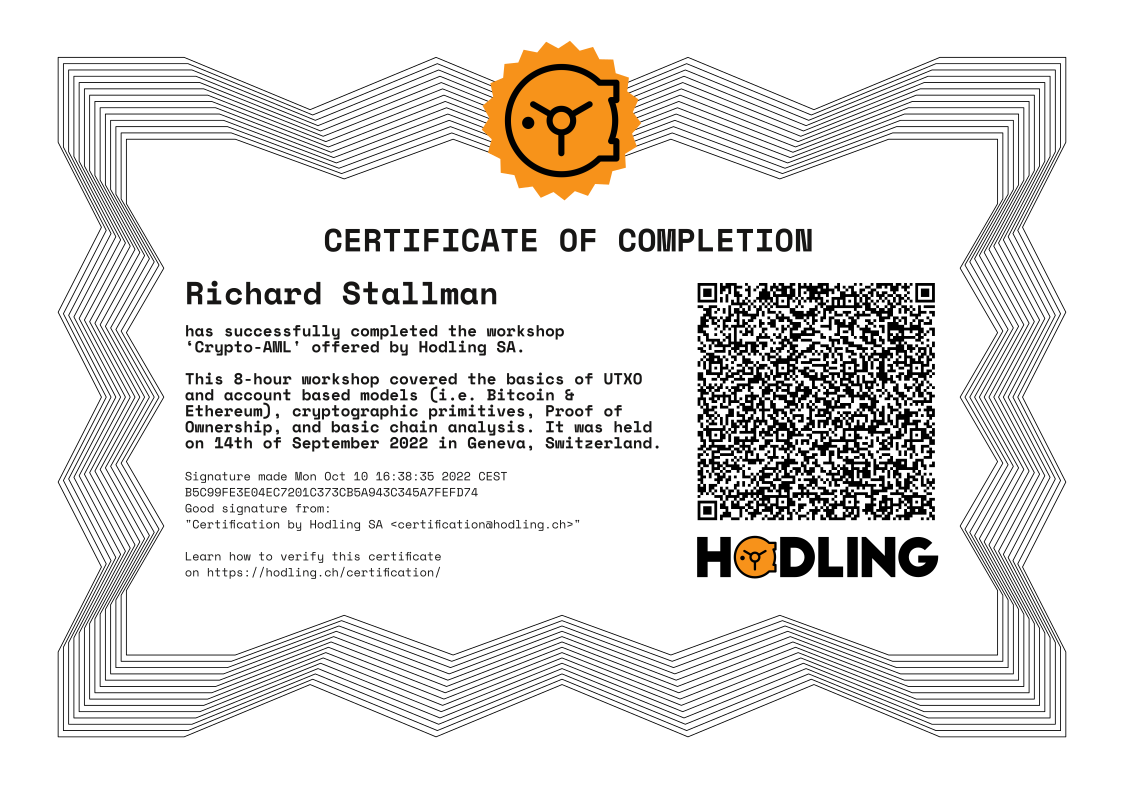
Certificates issued by Hodling SA are PGP signed.
First please import Hodling's certification public key:
curl https://keys.openpgp.org/vks/v1/by-fingerprint/B5C99FE3E04EC7201C373CB5A943C345A7FEFD74 | gpg --import
To verify a certificate you need to scan the QR-Code. It contains a PGP clear-signed message and signature.
On Debian/Ubuntu, install `zbarcam-gtk `
sudo apt install zbarcam-gtk
Or use any QR scanner you prefer. Once you have the content of the QR code, save it locally on your machine. Navigate to that repository. Then type the following to verify the signature:
gpg --verify file_containing_PGP_signed_message_with_signature